












Channel Validation
Improve feed quality and campaign performance with advanced quality checks aligned with Google.

Webinars, eBooks, checklists, and research to help you get ready, rally through peak, and turn Black Friday shoppers into repeat buyers.
Your AI agent for product feeds that audits, optimizes, and expands channels automatically.
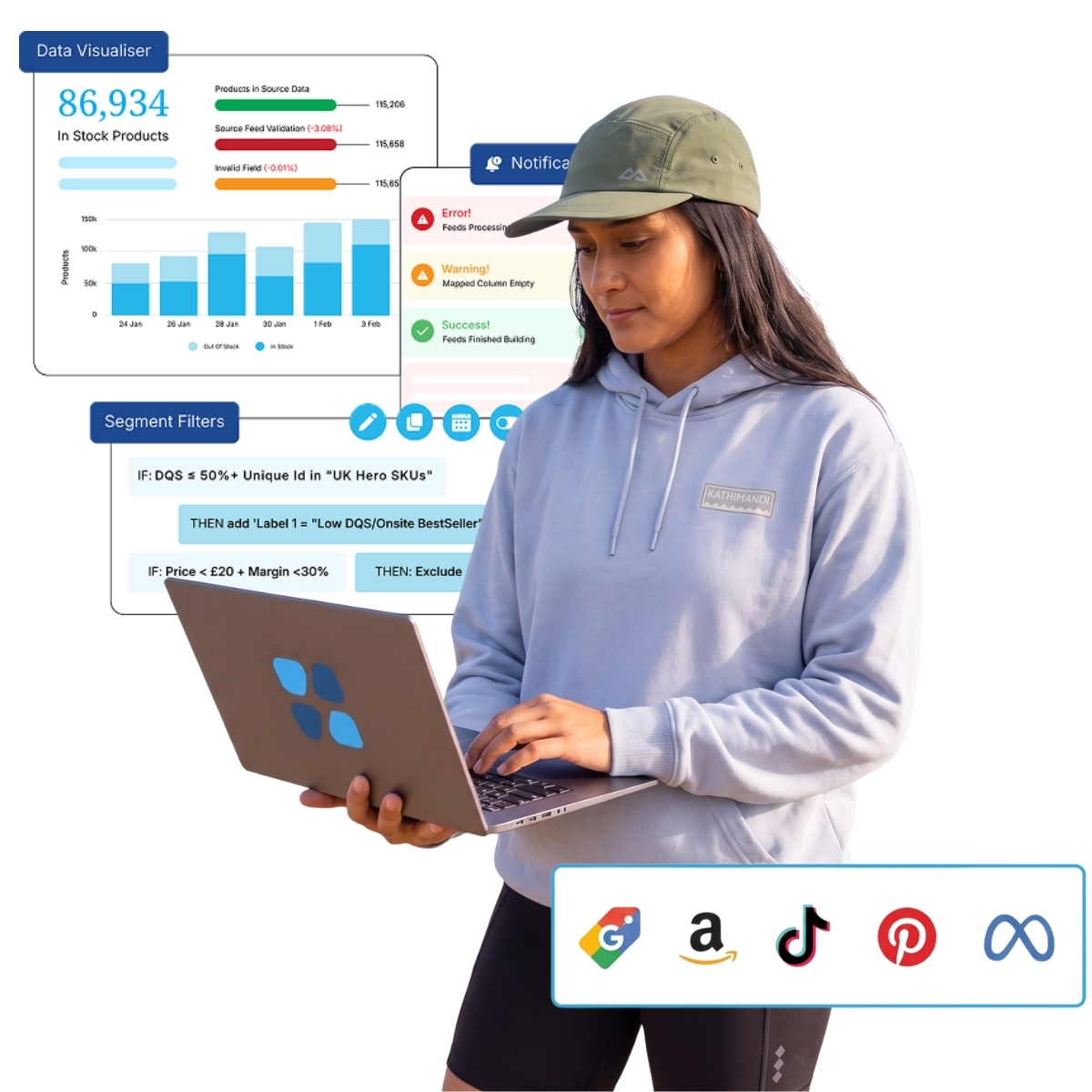
Channel Assistant automatically audits and improves product feeds to increase visibility on Google Shopping, expand into social commerce and marketplaces, and unlock incremental sales. Your team stays focused on growth while AI handles the validation work.


Let AI handle feed validation so your team can act on insights and drive growth instead of spending time on manual auditing.

Catch feed issues before they cause feed disapprovals on Google Shopping and other channels, keeping more products approved and generating revenue.

Scale into new channels and marketplaces with AI doing the work, so your team can grow reach without growing in size.
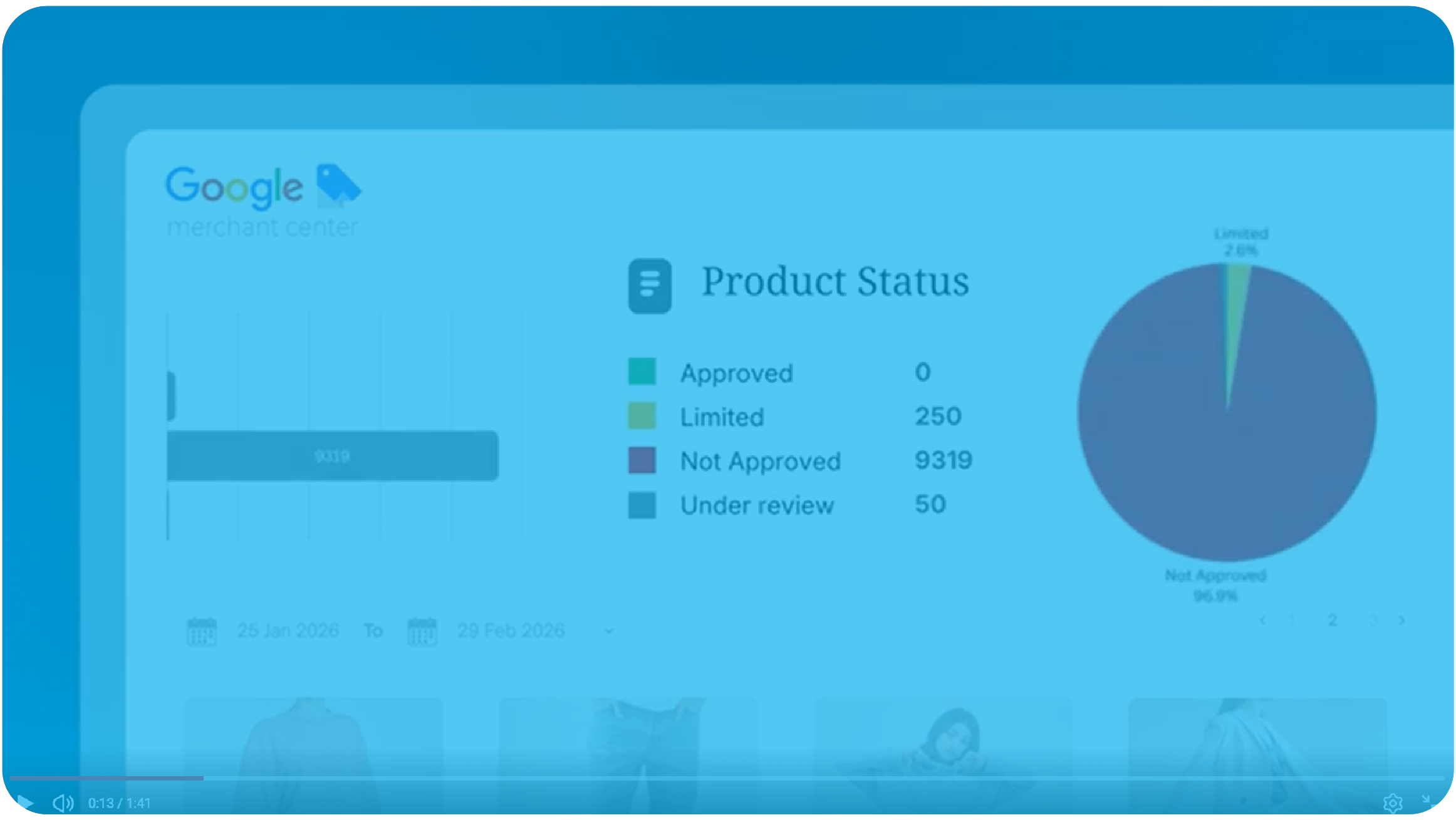
Validate feeds instantly to catch errors before they cause disapprovals, maximize product listing visibility across every channel, and free your team from tedious manual auditing work to focus on growth.
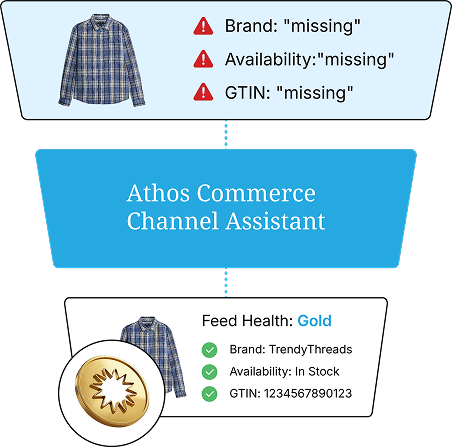
Validate feed health with enterprise-grade quality checks, fix issues directly in-platform without spreadsheets, and prioritize the improvements that will drive the biggest impact on your campaigns.
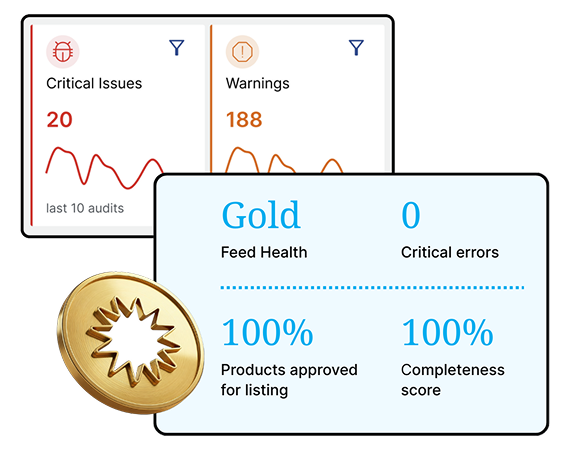
Improve feed quality and campaign performance with advanced quality checks aligned with Google.

Review and apply changes directly in-platform without exporting to spreadsheets.

Prioritize improvements based on your product category and campaign performance to maximize impact.

Get AI-generated scorecards and prioritized task lists showing what will drive the biggest results.
Complete feed audits in minutes instead of days, freeing your team to act on insights.

Apply consistent best practice standards across every audit, eliminating human error.
Keep more products approved and selling to drive incremental sales.
Audit feeds frequently for faster fixes, quicker performance gains, and more agile decisions.
Smarter search, 64% of total revenue driven

Higher Conversion Rate
Total Revenue from Search

Athos Commerce gave us the control we were missing. Now we can elevate the right products at the right time, respond to shopper behavior instantly, and actually see what is driving conversions. It has made a huge difference.
Yes. Channel Assistant runs a complete audit of your feeds, identifies high-priority issues and warnings, and lets you apply fixes directly in-platform without exporting to spreadsheets. AI-generated scorecards then show you exactly which fixes will have the biggest impact, so your team knows where to focus first.
Channel Assistant completes feed audits in minutes instead of days. It automatically validates your feeds against best practice standards, flags missing attributes or incorrect ones, and surfaces issues by severity so your team can act on insights immediately rather than spending days running manual checks.
Channel Assistant includes a Client Guided Optimization capability that lets you prioritize improvements based on your specific categories and campaign performance goals. Rather than applying a one-size-fits-all approach, the AI focuses on the changes that will drive the biggest impact for your business, with your team staying in control of what gets actioned.
That is exactly what Channel Assistant is designed for. It handles the feed auditing, validation, and optimization work that would otherwise require additional headcount, so your existing team can scale into new channels like social commerce and marketplaces without taking on the operational burden that typically comes with expansion.
Channel Assistant is designed for continuous product feed optimization, enabling frequent audits for faster fixes, quicker performance gains, and more agile decisions. Rather than being a one-time or periodic process, it is built to run on an ongoing basis so your feed health improves continuously as your catalog and channels evolve.
Shopping feed optimization is the work of cleaning and improving the product data you send to shopping channels. The goal is simple. More of your products get approved, and more of them show up when shoppers are looking. Typical feed optimization work includes fixing missing attributes, writing clearer product titles, correcting the Google product category, and replacing weak product images. Channel Assistant handles that work for you and reports back on what changed.
Channel Assistant checks your Google Shopping feed against the same rules Google Merchant Center applies. It flags policy violations and formatting problems before they turn into feed disapprovals. That matters for both paid and unpaid placement. Disapproved items drop out of Google Ads and out of free listings at the same time. Google Shopping feed optimization keeps more of your catalog eligible in both places.
Yes. Google Shopping campaigns and Performance Max campaigns both pull from your product feed, so feed quality sets a ceiling on what your bidding can do. Cleaner product information gives Google more to match against, which puts your shopping ad in front of the right shopper more often. You can also apply custom labels to group products by margin, season, or bestseller status. That gives you real control over budget inside Performance Max.
A well-optimized feed gives each item complete and accurate feed data. Here is what Channel Assistant checks on every product:
Yes. Many retailers already run a supplemental feed to patch gaps in a primary catalog export. Channel Assistant works alongside that setup and shows you where those patches are still leaving fields empty. It also surfaces where feed rules are overwriting good values with bad ones. You get a clear view of your feed data in one place instead of guessing across several tools.
Shopping channels read your feed to decide which queries a product belongs to. Thin or messy data means your product listing shows up for the wrong searches, or does not show up at all. Accurate data puts your items into relevant search results where buying intent is higher. That leads to higher click-through rates and a better user experience for shoppers. A stronger click-through rate also gives you more traffic to work with at the same spend.
Channel Assistant scores every product title and product description against what each channel expects. It tells you which items are too short, too vague, or missing details that shoppers search for. Your team still owns content creation, but the audit points that time at the products that actually need it. That is far faster than reviewing a full catalog by hand.
The audit sorts quality issues by severity so you fix the expensive ones first. Common findings include:
Channel Assistant is built for growing ecommerce brands that sell across more than one channel. If your catalog is large enough that feed errors are hard to catch by hand, this is for you.
Every channel you sell on is a place potential customers are already searching. Bad data keeps you out of those search results entirely. Clean data gets more of your catalog eligible, and eligible products can be found, clicked, and bought. More approved listings across Google Shopping, social, and marketplaces means more chances to earn a sale from the same catalog you already have.